

If you have invested in a modern television, you deserve content that actually shows it off. 4K IPTV has become the gold standard for UK viewers who want crystal-clear picture quality, vibrant colours, and a genuine cinema-style experience at home. The difference is not subtle — it is immediately visible from the first second of playback.
A proper 4K IPTV service streams content at four times the resolution of standard HD. Consequently, every detail is sharper, every colour is richer, and live sport or films feel dramatically more lifelike. Done right, this kind of streaming replaces traditional satellite broadcasts entirely.
This guide cuts through the marketing noise. You will learn what genuinely separates a high-quality service from one that simply claims to offer ultra HD, how much it should cost, and how to get set up quickly. If you want a trusted starting point, GetBritishIPTV offers transparent options designed for UK households.
What Is 4K IPTV and Why Does It Matter for UK Viewers?
4K IPTV is Internet Protocol Television delivered in Ultra HD resolution — typically 3840 × 2160 pixels. That is four times the pixel count of traditional HD broadcasting. Streams reach your home over your broadband connection rather than through a satellite dish or cable feed.
For UK viewers, this matters enormously. Modern televisions are built specifically for ultra HD content. Watching standard-definition streams on a high-end screen wastes the entire visual capability of your hardware. As a result, demand for genuine ultra HD streaming has grown rapidly across British households.
How 4K IPTV Differs From Standard Streaming
The differences go far beyond pixel count. A genuine 4K IPTV stream typically includes:
- Higher dynamic range (HDR10 or Dolby Vision support)
- Wider colour gamut for richer, more accurate tones
- Smoother frame rates for live sport
- Higher bitrates for sharper detail
- Better audio formats (Dolby Atmos or DTS-X support)
Together, these features deliver a viewing experience closer to a cinema than a traditional television broadcast. Therefore, the appeal is obvious for film enthusiasts, sport fans, and anyone who appreciates visual quality.
The Real Visual Upgrade of Ultra HD Content
Marketing language can be misleading. Some providers advertise “4K-ready” when they really mean upscaled HD. A true ultra HD stream is captured, encoded, and delivered in native 4K from start to finish.
Look for these signs of genuine quality:
- Native 4K resolution clearly stated in channel listings
- Bitrates of at least 25 Mbps per stream
- HDR support confirmed by the provider
- A dedicated 4K channel category, not buried among HD streams
If a service is vague about technical specifications, that is usually a sign the streams are not truly ultra HD.
7 Proven Features Every Top 4K IPTV Service Should Offer
Choosing a service based purely on price is a mistake. Here are seven features that separate a genuinely strong 4K IPTV provider from a disappointing one.
Bandwidth and Broadband Requirements for 4K IPTV
Ultra HD streaming demands serious bandwidth. Without sufficient broadband speed, even the best service in the world will buffer constantly.
For smooth playback, aim for these minimums:
- At least 50 Mbps download speed for a single 4K stream
- 75–100 Mbps if multiple devices stream simultaneously
- Wired ethernet connection wherever possible
- Wi-Fi 6 router if a wired connection is not available
- Latency under 30ms to your provider’s servers
If your home connection cannot reliably hit 50 Mbps, upgrade your broadband first. Otherwise, no service can deliver the experience you are paying for.
Choosing the Right Device for Smooth 4K Playback
Not every device handles ultra HD streaming well. Older hardware may struggle with the decoding demands required for native ultra HD content.
Recommended device types for genuine 4K IPTV playback:
- Modern smart televisions (manufactured 2021 or later)
- High-spec digital multimedia streaming devices
- Gaming consoles with media app support
- Set-top boxes specifically marketed for ultra HD
Older devices may technically connect but deliver inconsistent results. Therefore, always check your hardware’s ultra HD compatibility before subscribing.
4K IPTV Comparison: Strong vs Weak Service Providers
Use this table to measure what a top-tier service should deliver compared to a weaker alternative.
| Feature | Strong 4K IPTV Service | Weak Service |
|---|---|---|
| Native 4K channels | 200+ verified ultra HD streams | A few upscaled HD streams |
| HDR support | HDR10 and Dolby Vision included | None |
| Audio quality | Dolby Atmos / DTS-X available | Stereo only |
| Streaming stability | 99.9% uptime, CDN-backed | Frequent buffering |
| Bitrate | 25 Mbps+ per stream | Below 10 Mbps |
| Device compatibility | 5+ device types | 1–2 only |
| Trial period | Free or paid trial available | None offered |
| 7-day EPG | Included as standard | Missing or broken |
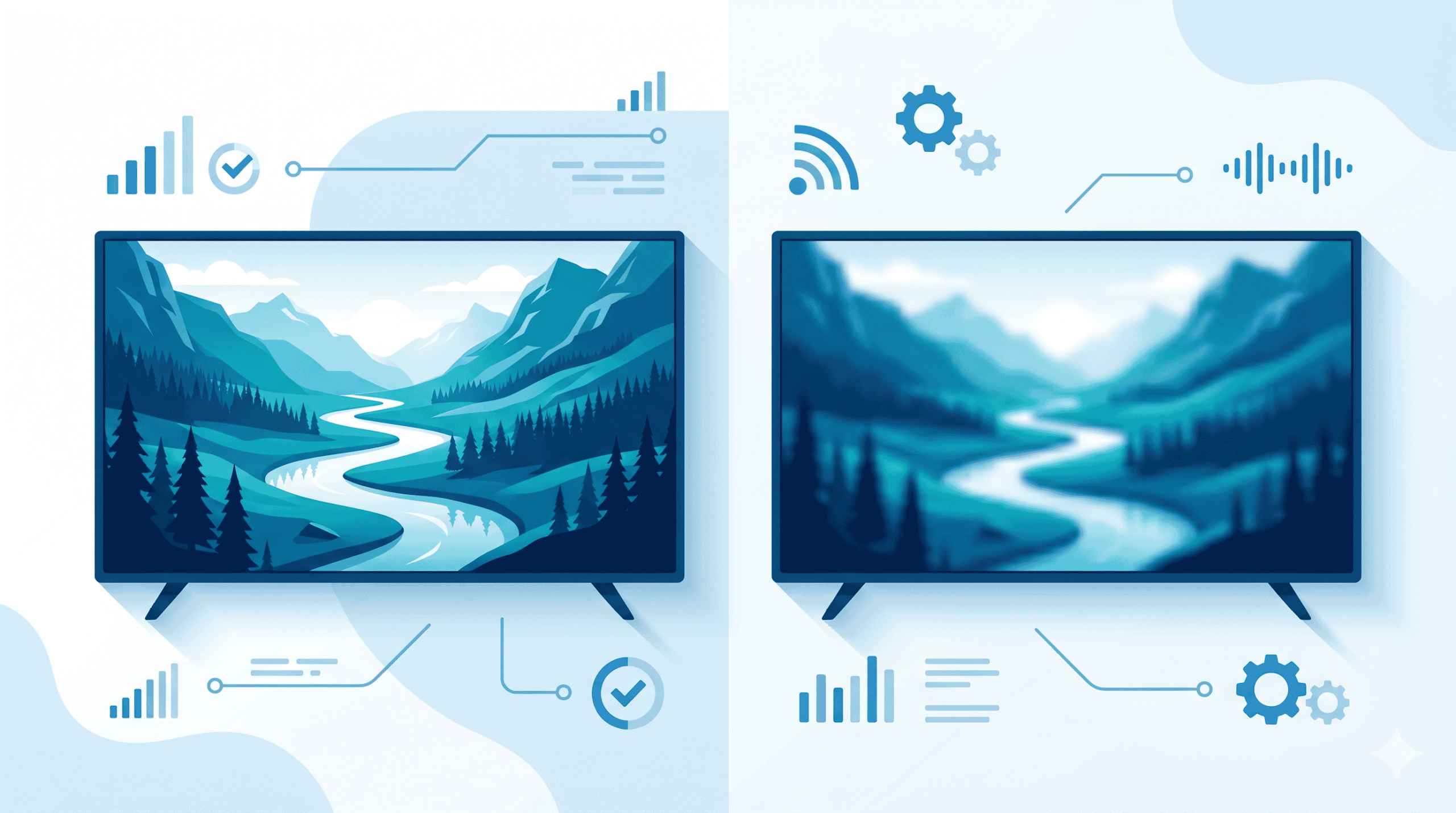
Additionally, a strong 4K IPTV provider will be transparent about technical specifications. If you cannot find clear answers about bitrate, HDR, or audio support, assume those features are not properly implemented.
How to Set Up Your 4K IPTV Service in Under 10 Minutes
Once you have chosen a provider and received your credentials, getting started is genuinely fast. Most users have a working setup within ten minutes.
Compatible Devices for Genuine 4K IPTV Streaming
Most reputable services support multiple platforms. Expect compatibility with:
- Smart televisions running modern operating systems
- Digital multimedia streaming devices with ultra HD support
- High-performance Android-based streaming boxes
- Gaming consoles with IPTV player apps installed
- Computers with a 4K monitor and HDMI 2.0 output
Step-by-step setup on a streaming device:
- Open your device’s app store
- Install a well-reviewed IPTV player application
- Open the app and select “Add M3U URL” or “Add playlist”
- Paste the M3U link from your provider’s welcome email
- Wait 30–90 seconds for the channel list to load
- Filter channels by ultra HD or 4K category
- Begin streaming
Step-by-step setup on a smart television:
- Open the built-in app store on your television
- Search for and install a compatible IPTV player
- Add your provider’s M3U URL
- Confirm your television is set to its highest resolution mode
- Begin browsing live and on-demand ultra HD content
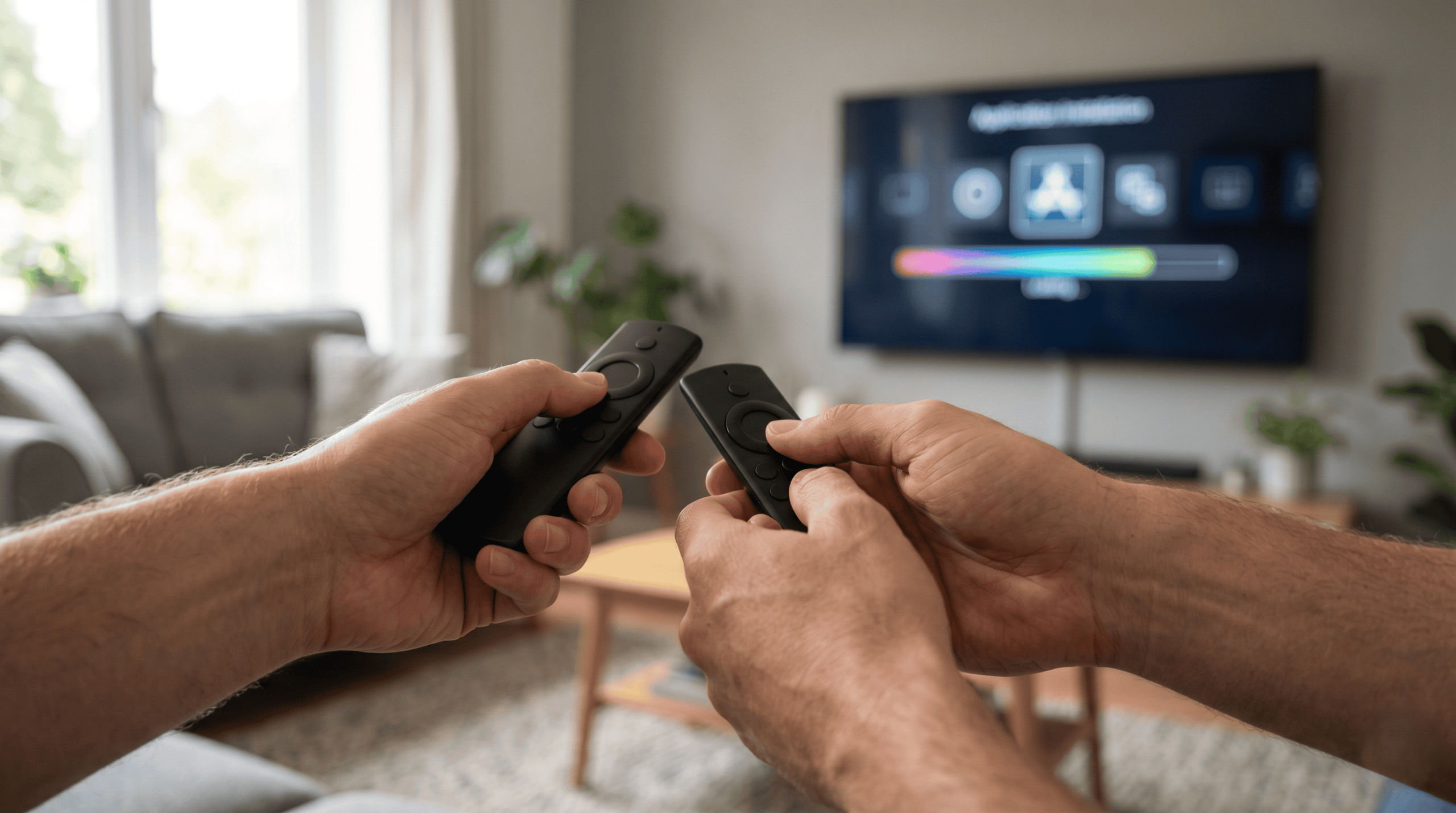
Consequently, even less technical users can complete the entire setup without external help. Most providers also include a clear setup guide with their welcome email.
Pricing Guide: What a Reliable 4K IPTV Service Should Cost
UK pricing for ultra HD streaming has settled into clear, predictable tiers.
| Subscription Plan | Typical UK Cost | Best For |
|---|---|---|
| 1-month rolling | £10–£18/month | First-time users testing the service |
| 3-month package | £25–£40 total | Short-term commitment with savings |
| 6-month package | £40–£65 total | Confirmed users seeking better value |
| 12-month package | £60–£95 total | Long-term users maximising savings |
| Multi-connection (x2) | +£5–£12/month | Households with simultaneous viewers |
A few important pricing rules to remember when choosing a 4K IPTV plan:
- Avoid lifetime deals. No sustainable provider can offer a one-off payment for life. These offers regularly disappear without warning.
- Monthly rolling plans cost more long-term, but offer easy exit if quality drops.
- Annual plans deliver the strongest value, but only commit after confirming reliability through a trial.
For transparent pricing with no hidden fees, GetBritishIPTV clearly displays all subscription options — making the choice simple for UK households.
Frequently Asked Questions About 4K IPTV
1. Is 4K IPTV legal in the UK? The technology itself is entirely legal. Legality depends on the content licences held by your specific provider. Always choose a service that holds appropriate broadcasting rights for the content offered. The UK government’s digital and technology guidance provides relevant consumer information.
2. What broadband speed do I need for 4K IPTV? A minimum of 50 Mbps is recommended for a single ultra HD stream. For multiple simultaneous streams, aim for 75–100 Mbps. The Ofcom broadband speed guidance is the most reliable benchmark for UK households.
3. Will 4K IPTV work on my older television? Probably not in true ultra HD. Older televisions cannot display 3840 × 2160 resolution natively. A streaming device with HDMI 2.0 output paired with a modern ultra HD television is the minimum requirement.
4. Does HDR really make a difference? Yes — significantly. HDR (High Dynamic Range) expands the contrast and colour range of every frame. Once you have watched HDR content, standard streams feel noticeably flat by comparison.
5. Can I stream 4K content over Wi-Fi? You can, but stability is much better over a wired ethernet connection. If Wi-Fi is your only option, use a Wi-Fi 6 router and stay close to it for best results.
6. What is the difference between native and upscaled 4K? Native ultra HD is captured and delivered at 3840 × 2160 from source to screen. Upscaled content is HD or lower stretched up to fit a 4K display. Native content always looks visibly sharper.
7. Do all channels offer 4K IPTV streaming? No. Even the best providers offer ultra HD only on selected premium channels — typically sports, films, and major events. Standard channels generally remain in HD or SD.
8. How do I know if I am genuinely streaming 4K? Most televisions display the active resolution in the input information menu. If your screen reports 3840 × 2160, you are watching ultra HD. Anything lower means the stream is not truly ultra HD. GetBritishIPTV confirms 4K availability on every supported channel for full transparency.
Final Thoughts on Choosing the Right 4K IPTV Service
A genuine 4K IPTV experience transforms how you watch television. The visual upgrade is immediate, dramatic, and impossible to ignore once you have experienced it. For anyone who has invested in a modern UK television, ultra HD streaming is the missing piece that finally puts that screen to work.
Take your time choosing a provider. Check broadband speed, verify device compatibility, and always test stability before committing long-term. A free or low-cost trial is the fastest way to confirm whether a service delivers what it claims.
When you are ready to explore a trustworthy, UK-focused option, GetBritishIPTV is a reliable starting point built specifically for British viewers.