
Most people pick a live player app the way they pick a fizzy drink in a service station: whatever is at eye level, whatever the box mentions. Then the football starts buffering and they wonder what went wrong. I have been there more times than I want to admit.
A live player app is the bit of software that actually shows you the channels. Your subscription can be fine, your internet can be fine, but if the app itself is rubbish, your evening is ruined. That much is on the player, not the provider, and the sooner you accept that the sooner you pick a good one.
This guide walks through what a live player app actually does, the features that matter, and how to set one up so it just works. No filler, no hype. Just the parts that save you a headache later.
What a live player app actually does
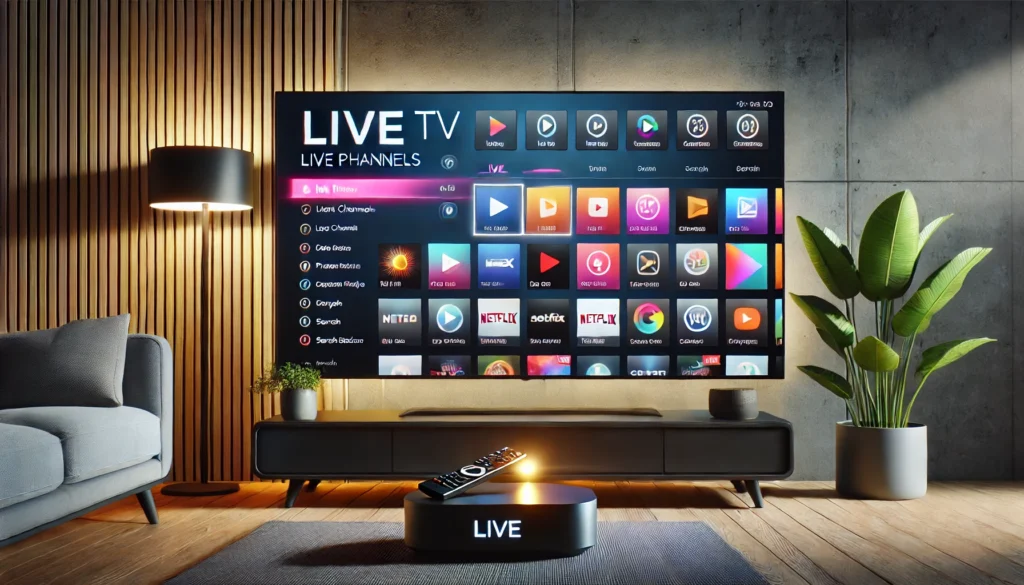
A live player app is the front-end software that connects to your streaming service, pulls down the channel list, and decodes the video so you can watch it. Think of it like the dashboard of a car. The engine is the streaming service. The dashboard is what you actually touch and look at.
A good live player app handles three things at once. It loads channels quickly. It plays them without hiccups. And it lets you find what you want without making you scroll for three minutes. Sounds basic. You would be surprised how many apps fail at one of those.
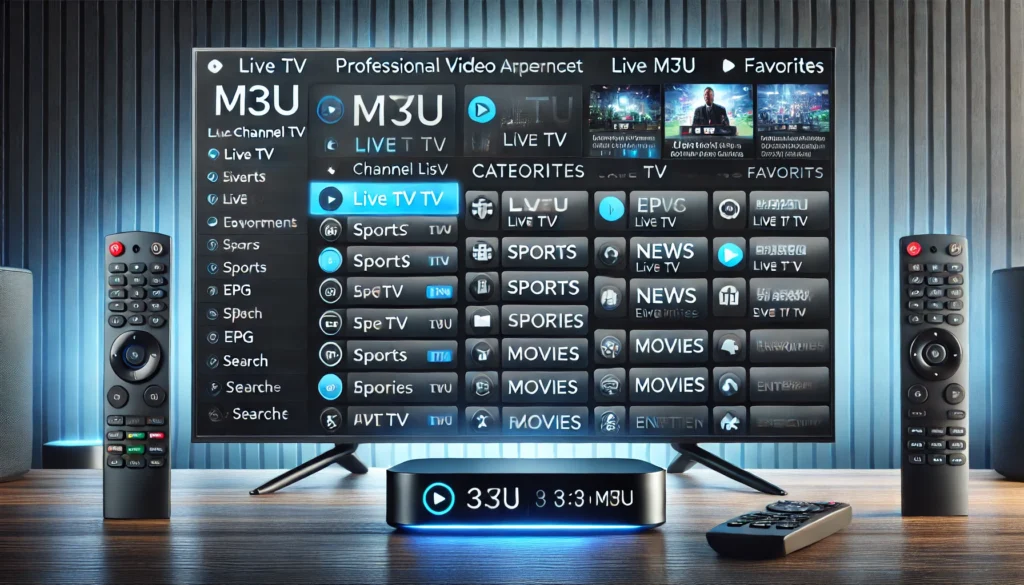
The technical bit, briefly: your live player app reads a playlist file (usually M3U or Xtream Codes login) from your provider. That file lists every channel and where to find its stream. The app then requests each stream as you click on it. Done well, this happens so fast you do not notice. Done badly, you stare at a spinning wheel and reach for your phone.
A live player app is not the same as a regular media player app
A media player app, like VLC or MX Player or the default one on your phone, is designed to play files you already have. A video file, a song, that sort of thing. They handle live streams up to a point, but they were not built for it.
A proper live player app, on the other hand, is built around live streaming. That means electronic programme guides, fast channel switching, recording in some cases, and a layout that makes sense when you are watching live TV rather than opening a single video file. It is the same difference as a Swiss Army knife and a chef’s knife. Both cut. Only one is the right tool when you actually want to cook.
What makes a great live player app
Over the years I have used probably twenty of these things. The ones I keep coming back to share a small handful of traits, and the ones I uninstall share another set. Here is what separates them.
A clean channel list. When you open the app, you should see your channels organised sensibly. Groups by category, country, or genre. Search that actually works. A live player app that dumps all 10,000 channels into one giant list will drive you mad inside a week.
Fast channel switching. When you press up or down on the remote, the next channel should load in under two seconds. If you are waiting four or five seconds every time, that is the player, not your internet. Test it.
A working programme guide. The electronic programme guide, or EPG, tells you what is on and what is coming up. A good live player app shows this clearly and accurately. A bad one shows yesterday’s listings or nothing at all.
Catch-up support. Many streaming services now offer catch-up, where you can rewind a programme that already aired. Not every live player app supports this. If you watch a lot of football or BBC content, this is worth checking before you commit.
Multiple format support. Your live player app should handle M3U playlists, Xtream Codes credentials, and ideally Stalker portal too. The more formats it reads, the easier provider switching becomes if you ever change subscription.
Do not ignore the boring stuff
Beyond the headline features, a live player app earns its place through small things. Does it remember which channel you last watched? Does it have a proper sleep timer? Can you mark favourites? Will it update its own playlist on a schedule without you doing anything?
These tiny touches are the difference between a piece of video player software you tolerate and one you actually enjoy using. They are rarely on the marketing page. You only spot them after a week of real use.
Live player app versus a standard media player app
People conflate these two constantly. Let me lay out the real difference in plain terms.
| Feature | Live player app | Standard media player app |
|---|---|---|
| Built for | Live TV streaming | Local video files |
| Channel list | Built-in | Not really |
| EPG support | Yes | No |
| Catch-up | Often supported | Rare |
| Setup | Requires playlist or login | Drag-and-drop file |
| Typical cost | Free to mid-priced | Mostly free |
You can technically watch live streams in a regular media player app. It works, in the same way a kitchen chair works as a stepladder. It functions, but it was not designed for that and you will know it within an evening.
A purpose-built live player app gives you the full experience: live channels, on-demand films from your provider, recording where supported, and a layout that does not feel like a workaround. As a digital content player for everyday viewing, the difference is night and day.
How to set up a live player app properly
Setting one up is genuinely simple if you do not skip steps. Most people skip steps and then get annoyed at the software, which is rarely the actual problem.
- Install the right app for your device. Smart TVs use different apps than phones, and Fire TV is different again. Check compatibility before downloading.
- Get your login details from your provider. This is usually a URL plus a username and password, or an M3U playlist link.
- Open the app and enter the details exactly as given. One wrong character is the most common setup failure I see.
- Wait for the playlist to load fully. A large playlist can take 30 to 60 seconds the first time. Do not tap around impatiently.
- Test three or four channels. Pick channels from different genres. If they all load smoothly, you are done.
- Set up the EPG if it is separate. Some apps need a programme guide URL added independently from the channel list.
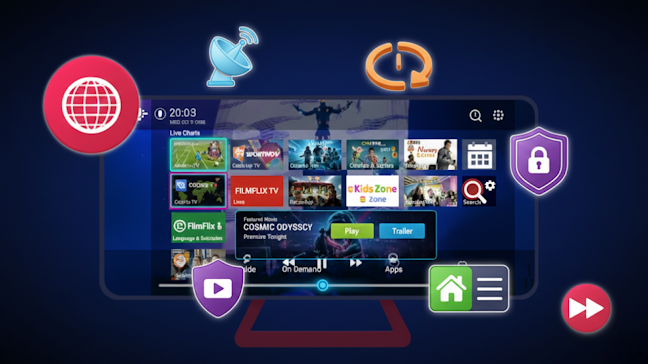
That is the whole process. Ten minutes, twenty if you are careful. If anything goes wrong, it is almost always the login details rather than the app itself. Re-check them character by character before blaming the software.
Our Firestick setup guide covers the device-specific bits if you are on a Fire TV stick.
The wireless versus wired question
If you can run an Ethernet cable to your TV or streaming box, do it. A live player app will work over Wi-Fi, but wired is always more stable. For 4K streams or sports, the difference is noticeable from the first minute.
If wired is not possible, place your router close to the TV and use the 5 GHz band rather than 2.4 GHz. That alone fixes most of the buffering complaints I hear about. The live streaming service is rarely the bottleneck; your home Wi-Fi usually is.
Common live player app problems and how to fix them
Even the best live player app hits issues occasionally. Here is the quick triage for the most common ones, in order of how often I see them.
The channels will not load at all. Check your login details first, then your internet on another device. If both are fine, your provider’s server is probably the issue, not the app.
The picture freezes every few minutes. Usually a network issue rather than the live player app itself. Switch to wired or move closer to the router. If you are on mobile data, that is almost certainly the cause.
Audio is out of sync with video. Restart the app. If it persists, the issue is in the stream source itself, not the player.
Some channels work but others do not. Provider issue, not the app. Contact their support and ask which servers they recommend.
The EPG shows wrong listings or none at all. Update the EPG manually if your app has that option, or reload your playlist. Sometimes the guide just needs nudging.
A good live streaming service backed by a well-built live player app rarely has issues that survive ten minutes of troubleshooting. If you are constantly fighting the thing, the problem is bigger than a single setting and you may need to look at the underlying online streaming platform you signed up with.
Is a live player app legal and safe to use?
This question comes up a lot, and the answer matters. The app itself is just software. Like a web browser, it is only as legal as what you do with it. The streaming video app industry includes plenty of fully legitimate products that broadcasters and telecoms companies use to deliver their own licensed content.
A live player app becomes legitimate when it connects to a properly licensed streaming service. The technology is the same one major broadcasters use to deliver their own content over the internet. There is nothing dodgy about the protocol; the legality lives on the content side.
Where things get murky is when the service offering the channels has not licensed them properly. If a streaming video app pipes in every premium sports channel under the sun for the price of a coffee, ask yourself how that is economically possible. Usually it is not, and that should make you cautious.
A few sensible habits when using any live player app:
- Only download your live player app from official app stores or trusted developer sites
- Do not enter card details into apps with no proper support contact or website
- Keep the app updated, since old versions sometimes contain security holes that were patched in newer releases
- Be cautious about sideloading from random forums
For the UK regulator’s full position on streaming legality, Ofcom guidance on illegal streaming is worth reading before you sign up to anything.
Picking the right live player app for your needs
Different households need different things from a live player app. A few quick profiles to help you decide.
The casual viewer. You watch a few channels in the evening and want it to just work. Almost any well-reviewed live player app will do the job. Do not overthink it.
The sports fan. You need fast switching, low buffering, and good picture quality. Pay attention to player reviews specifically from sports viewers. Multi-screen support matters if you watch more than one match at once.
The family household. Parental controls, multiple user profiles, and the ability to set favourites per user become important. Not every live player app supports these properly.
The international viewer. If you watch channels from several countries, you need an app with strong filtering, language support, and reliable EPG data for non-UK programming. A solid multimedia player app with good Unicode support saves a lot of frustration.
Our best IPTV providers UK guide covers the service side of this decision, which pairs directly with picking a player.
Avoid the common traps
A few warning signs that should make you walk away from a live player app:
- Constant pop-ups or aggressive monetisation inside the player itself
- No clear developer name or support contact
- Requires unusual permissions like access to your contacts or camera
- Has not been updated in over a year
These are all signs of either neglect or something worse. The free market in live player app options is vast, so you can always pick something better. There is no need to settle.
For a broader technical view of how a live player app fits into the wider streaming ecosystem,Wikipedia’s IPTV gives the full picture.
Frequently asked questions about live player app choices
What is the best free live player app? Free options vary by device, but the strongest ones on Android and Fire TV are well established and updated regularly. Avoid anything that is free but pushes ads inside the video stream itself.
Do I need a separate subscription on top of a live player app? Yes. The app is just the viewing tool. You still need a streaming service to provide the actual channels.
Will a live player app work on my older smart TV? Often yes, though very old smart TVs may lack the processing power for higher-resolution streams. A cheap external streaming stick is the easy fix.
Can I use one live player app on multiple devices at once? Yes, but simultaneous streams depend on your provider’s plan, not the app. Check what your subscription allows before you blame the player.
Why does my live player app keep crashing? Usually an outdated version, a bloated cache, or insufficient device memory. Update the app, clear its cache, and restart your device. That fixes most cases without needing a different live player app altogether.
Final thoughts on choosing a live player app
The right live player app turns streaming from a frustrating exercise in patience into something that just works. It is not a glamorous piece of software, but it is the layer you actually interact with every evening, and that makes it worth getting right.
Do not pick the first thing you find. Spend twenty minutes reading reviews, test the free trial if there is one, and check that it supports the formats your provider uses. A little care upfront pays back every single time you sit down to watch.
If you are choosing your streaming setup from scratch, the player and the service need to match each other. Get both right and you forget the technology is even there. For most homes, that is what a good live player app delivers, and once you have one set up properly, you wonder why you put up with anything worse for so long.